Persona
What a persona is
A persona is the simulated caller on the other end of the line. It combines caller behavior instructions with a concrete voice identity, so the agent under test hears a realistic and — crucially — repeatable caller on every run.
A persona controls speaking style and intent, response timing and turn behavior, and the LLM settings used to drive the simulation. Pair it with a scenario to say why this caller is calling.
Why the voice mapping is pinned
Every persona is bound to a specific provider voice rather than "any female voice":
tts_providertts_voice_idtts_voice_namegender
Audio characteristics change acoustic and voice-quality scores. Pinning the voice means that when a score moves between runs, the cause is the change you made — a prompt revision, a model swap, an evaluator update — and not a different voice on the caller side. You can use built-in provider voices or custom catalog voices from your organization.
Configure a persona
What you configure
- Persona profile and description
- Voice provider and voice mapping
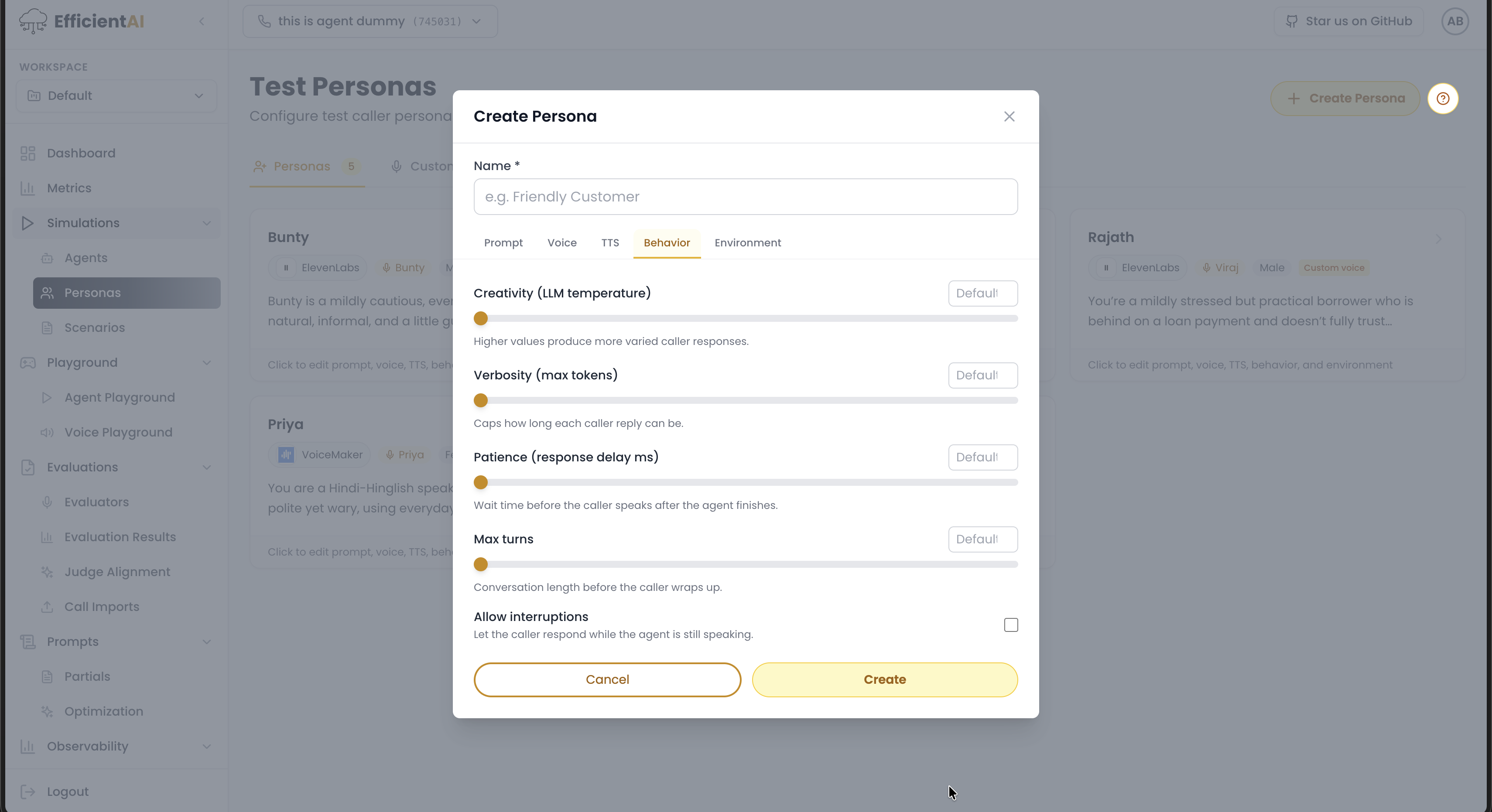
- Simulation controls (temperature, delay, max turns, interruption behavior)
Recommended flow
- Create the persona profile.
- Select the provider voice.
- Tune behavior controls for realism.
- Reuse the persona across evaluation suites.
Reuse matters: a small, stable library of personas gives you a consistent baseline to compare against over months, instead of a new caller definition for every test.
See also: How It Works for how personas combine with scenarios into runs.
How to create a persona
- Go to Simulations > Personas.
- Click Create Persona on the top-right.
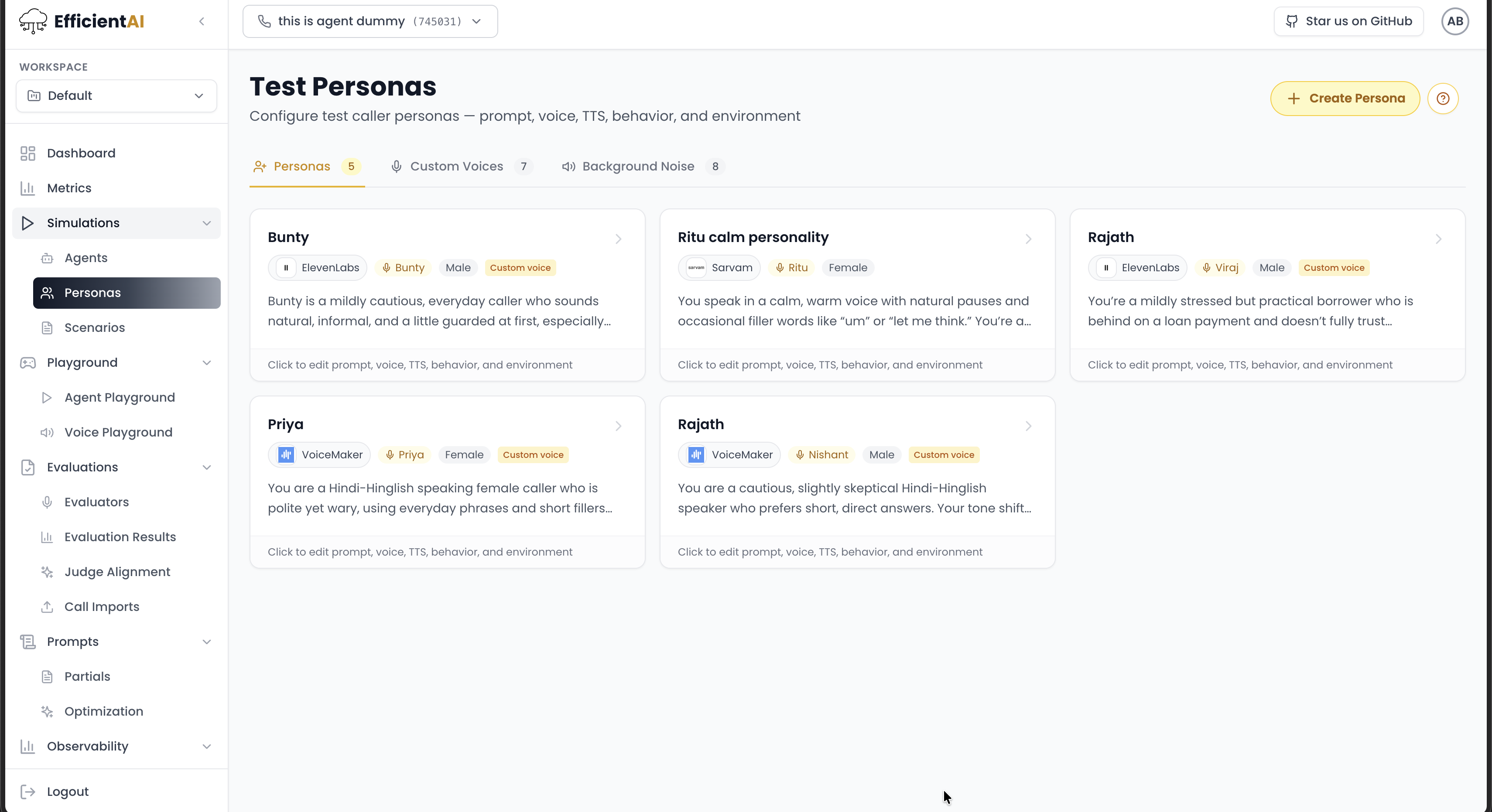
Then complete:
- Persona name
- Target agent mapping (the persona is tied to a specific agent)
- Optional Generate agent prompt for a faster first draft
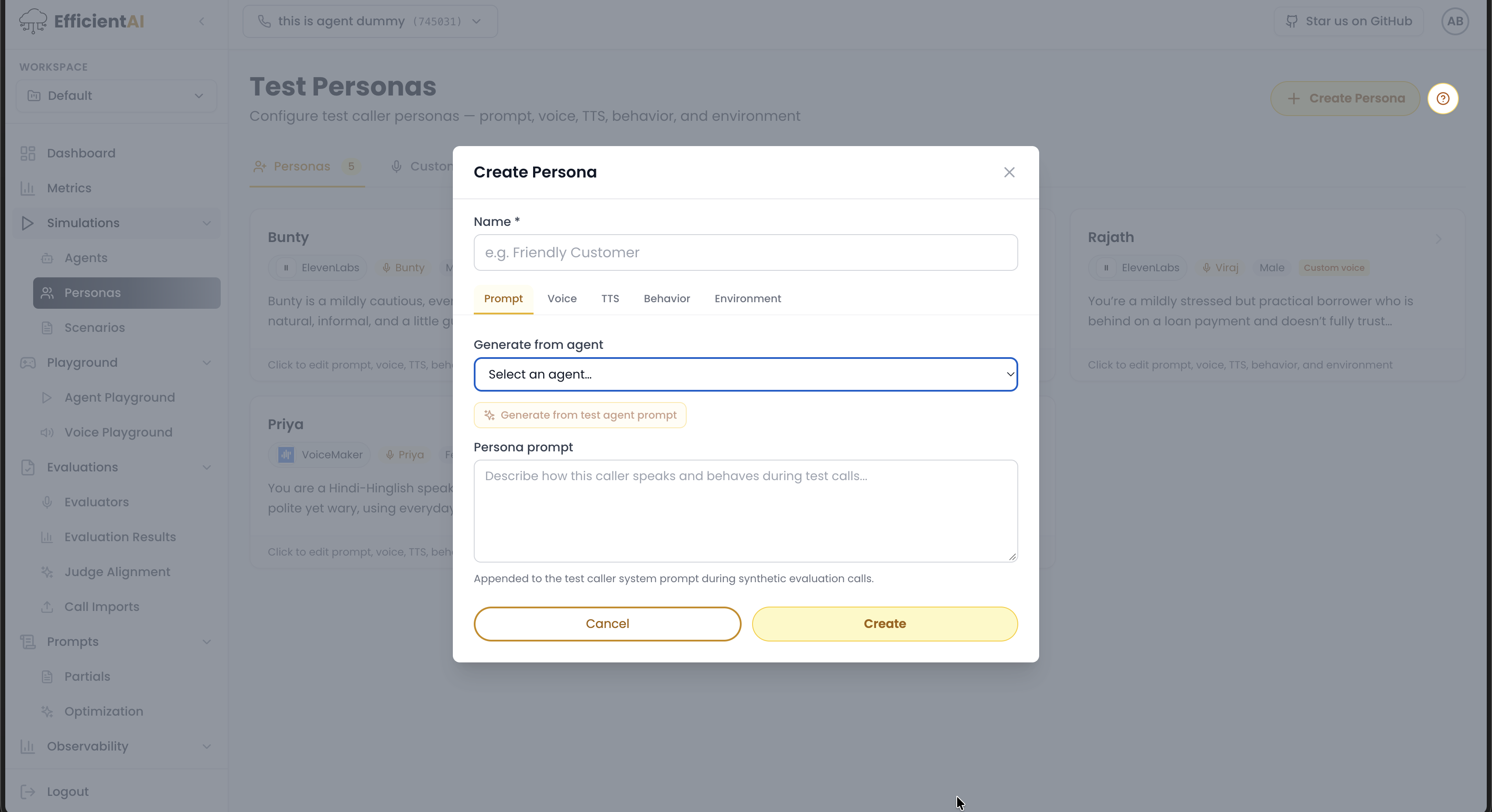
Voice section
Select the voice configuration for the persona. Example:
- Provider: ElevenLabs
- Model/voice: Rachel
- Gender: female
If voice providers are not configured yet, see Integrations.
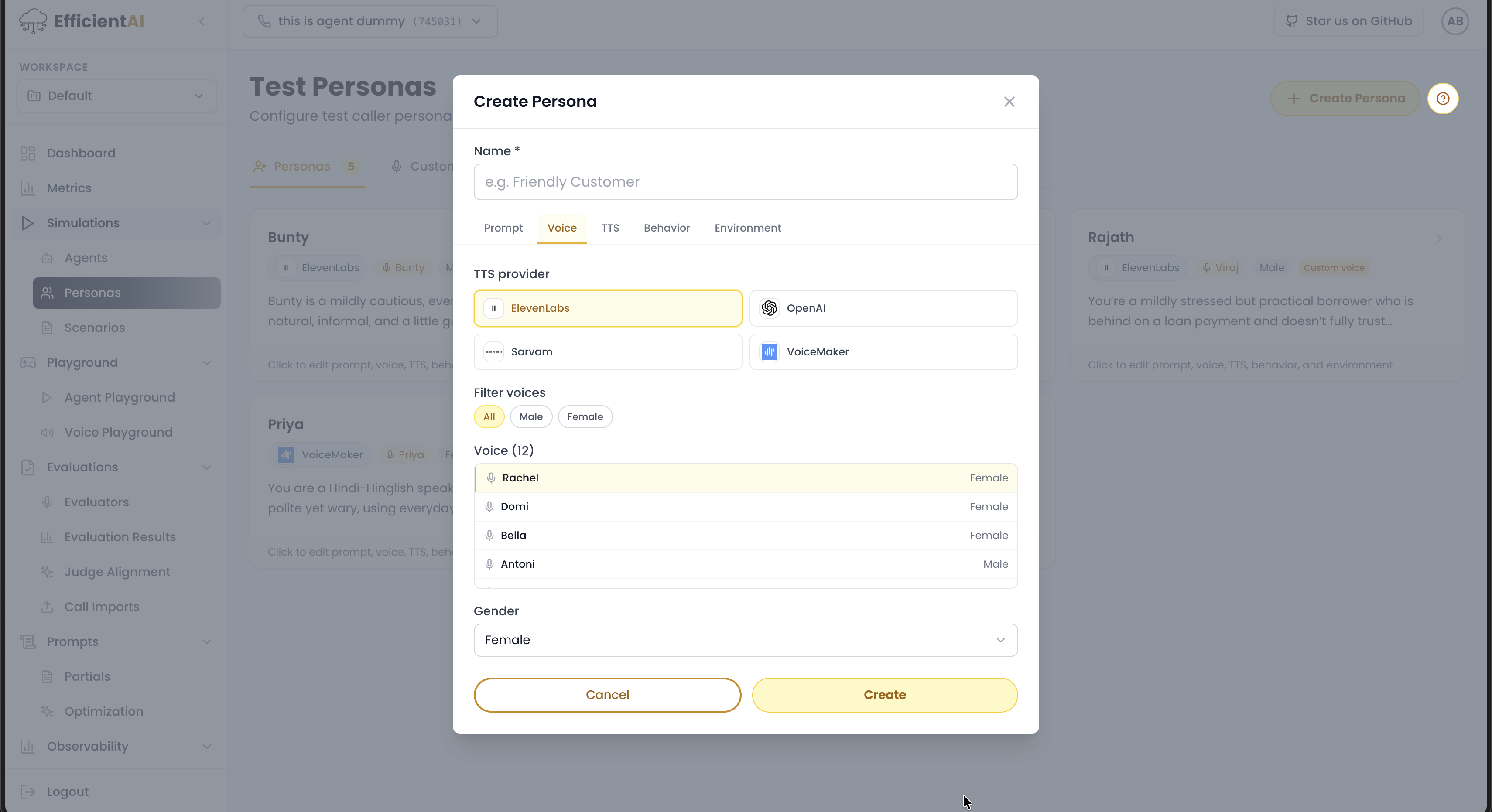
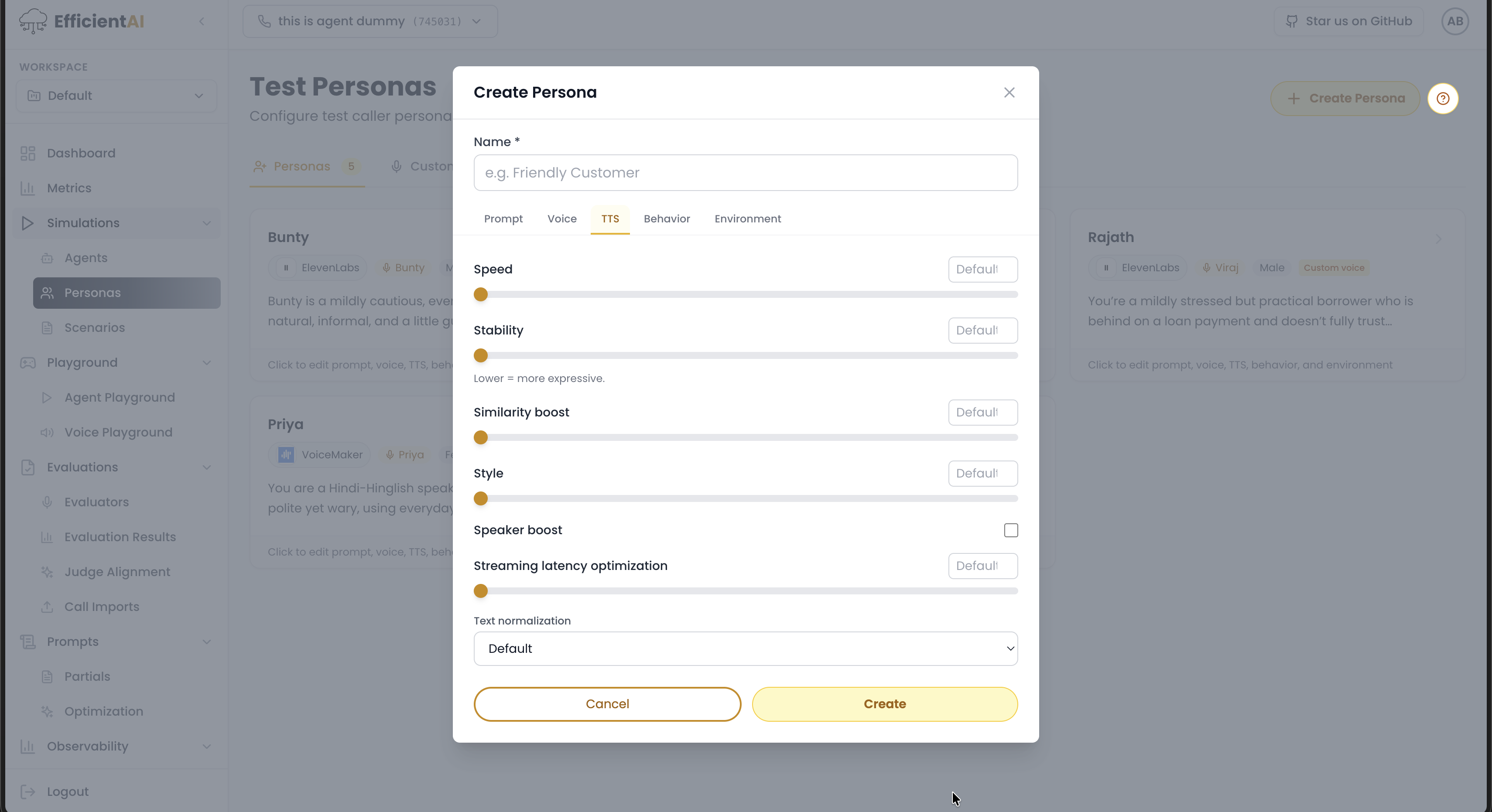
TTS and behavior controls
Tune TTS settings and behavior settings as needed. Recommended default is to keep these unchanged unless you have a clear reason to modify them.
Community & contact
- Found a bug or have a feature request? Open a GitHub issue.
- Join our Discord for faster replies!